

- LEARN MORE ABOUT SPECIAL EDITIONS
- CLICK HERE
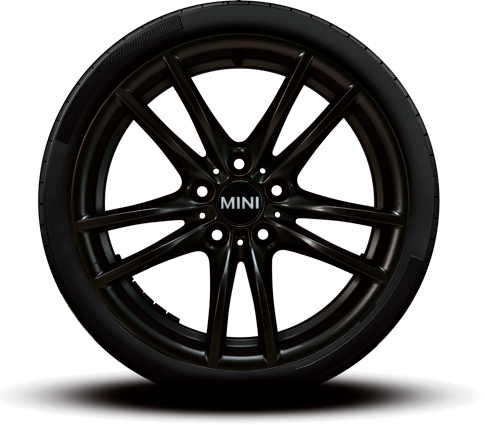
The MINI Connected App, offers various features related to monitoring the car’s tire conditions. The app utilizes the car’s TPMS to display real-time information about tire pressure and temperature. If the tire pressure falls below the recommended level, the app will send an alert to the user to inform them of the issue.
In addition, the app allows the user to manually input information about their tire condition, such as tread depth and wear patterns. The user can also schedule regular maintenance reminders for tire rotations and inspections.
Furthermore, the MINI Connected App provides guidance on how to check tire conditions manually, such as using a tire pressure gauge and checking for signs of wear and damage. The app also offers tips on how to properly inflate tires and maintain them for optimal performance and longevity.
Overall, the MINI Connected App uses a combination of real-time data from the car’s sensors and user input to provide comprehensive tire condition monitoring and maintenance guidance.
To check your tire conditions with the MINI USA app, follow these steps:
- Download the MINI USA app from the App Store or Google Play Store.
- Open the app and create an account or sign in if you already have one.
- Click on the “Vehicle” icon at the bottom of the screen.
- Select the MINI model that you own.
- Once you have selected your model, click on the “Tire Center” icon.
- The app will display your tire pressure and tread depth.
- You can also schedule a service appointment through the app if your tire condition needs attention.
Note: Your vehicle must be equipped with a MINI Connected system to use the tire center feature on the MINI USA app.
Connect with us


Recent Blog Entries
- Keeping the Iconic MINI Alive: A Guide to Effective Maintenance
- Embracing the Future: Mastering Voice Commands in Your MINI
- Why Buy MINI Certified Pre-Owned from MINI of Montgomery County
- Routine Maintenance from MINI of Montgomery County Keeps Your Vehicle Performing at Its Best
- Experience the Future of Driving with MINI of Montgomery County’s Special Offer: Lease the NEW 2024 MINI Electric for $369/Month for 36 Months!
